Hulp & Support How to add a new user?
You are the manager of a business type telecom contract (Shape, Shape Corporate, Shape &Fix, etc.)
If a new employee arrives in your company and you want to assign a number to him, you can go to your Customer Zone and select “Add a card to my fleet”. The activation period is 2 working days.
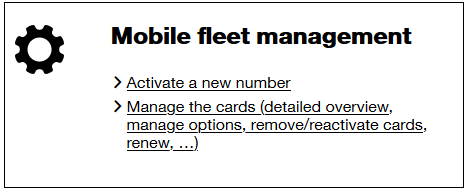
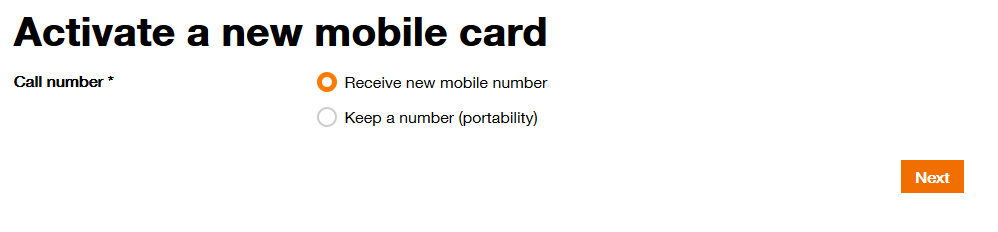
You can then choose between activating a new number or taking over an existing one (in the event that your employee wishes to keep his number)
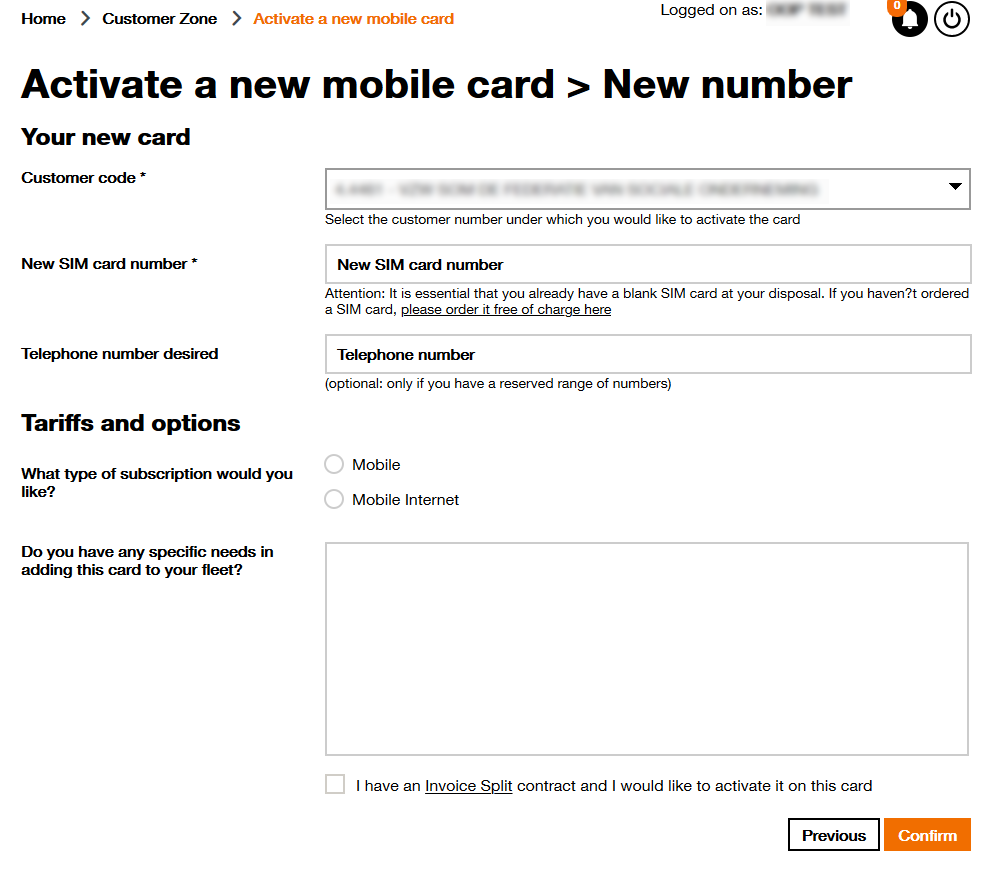
For a new number complete the following screen and click on Confirm :
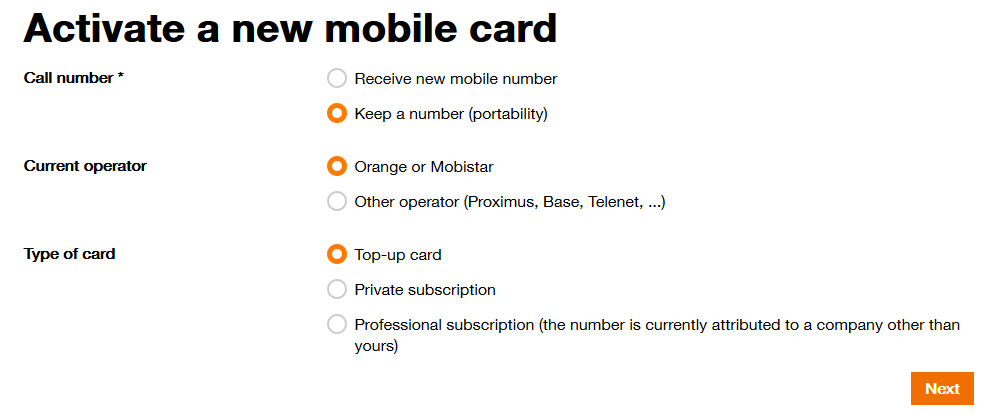
To activate an existing number, you have several possibilities:
For each of the above-mentioned cases, it is possible to copy the profile of an existing number in order to benefit from the same options. You can also untick the proposed options. However, if you wish to activate other options, you have to submit the request for them after the activation of the card.
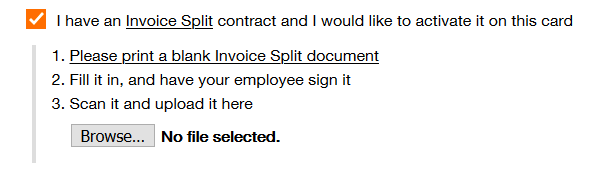
To activate Invoice Split, you can download the blank document and print it out. You then complete the document, scan it and upload it using the button ´Select a document´.
You are the manager of an “animal” type telecom contract (Panther, Dolphin, Koala, etc.)
If you wish to add a number to your contract, please go to the site for residential customers and choose your subscription.